
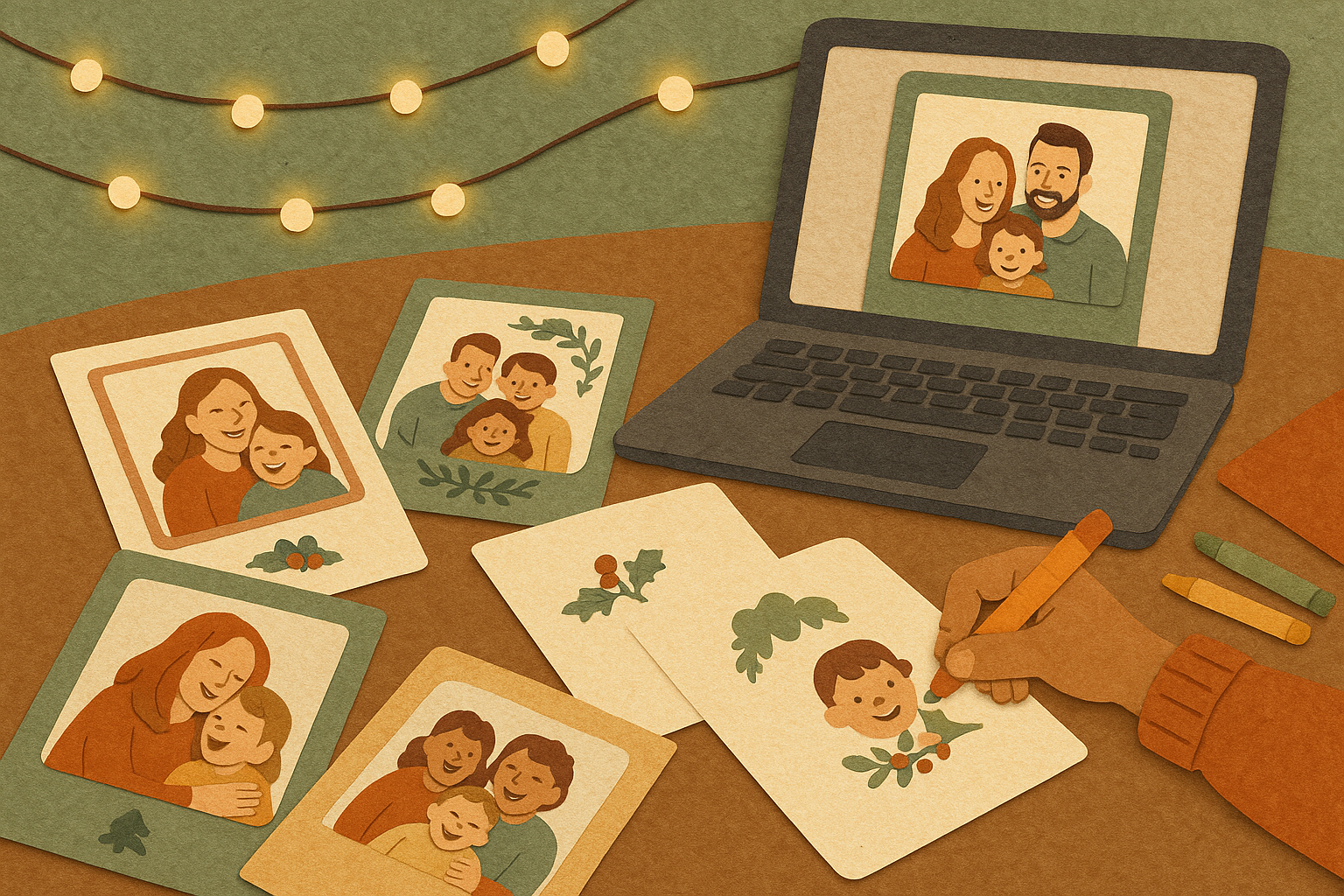
Making Personalized Holiday Cards With AI and Your Own Photos
Every year the holiday card question comes up around the same time. Do we send them? Who has a decent photo of everyone? Does anyone remember where the address list went? And then, if you decide yes, there’s the blank space inside the card, staring back at you.
AI tools can help with a surprising amount of this. Not by replacing the personal touch, but by doing the fiddly parts so you have more energy for the part that matters: a card that feels like your family.
What follows is a simple way to use AI and your own photos to make cards this year, without turning it into a weekend project.
Start With Your Real Photos
The heart of a great holiday card is a real photo of real people. AI is a helper here, not the photographer.
Start by gathering a handful of favorite pictures from the year. Not just the posed ones. The kids covered in sand, the dog in the leaf pile, the grandparents laughing at something off camera. These often make better cards than the one photo where everyone managed to look at the lens.
Most phone photo apps can help you find good candidates. Search for “smile,” “beach” or a family member’s name, and the app will pull up likely options. If your camera roll is a mess, now’s a good time for a cleanup.
Then use built-in editing tools to fix the basics. Many photo apps now include AI features that can brighten a dim shot, remove a stray object in the background or sharpen a slightly soft face. Use a light touch. The goal is a photo that looks like a good day, not a photo that looks fake.
Let AI Help With the Design
Plenty of card-printing services and design apps now include AI layout helpers. You upload your photos, choose a style, and the tool suggests arrangements, color palettes and fonts that fit.
This is where AI saves real time. Instead of nudging photos around a template for an hour, you can look at a few suggestions and pick the one that feels right. Then adjust from there.
Try a collage. If you can’t pick one photo, a collage of four or five moments from the year tells a better story anyway.
Match colors to your photos. Some tools will pull colors from your pictures so the card feels cohesive.
Keep the text simple. A short greeting and your family name usually look better than a paragraph on the front.
If you want something more playful, AI image tools can create a decorative border, a snowy background or an illustrated frame around your photo. Keep your actual faces as the real, unedited photos, and let AI handle the decoration.
Writing the Message Inside
The inside of the card is where a lot of people get stuck. AI writing tools can help you get past the blank page.
Try giving a chatbot a few details: the highlights of your year, the tone you want (warm, funny, short) and who the card is for. Ask for a few options. Then rewrite the one you like in your own words.
That last step matters. AI tends to produce messages that sound pleasant but generic. Your family’s version should mention real things. The new puppy. The kitchen remodel that took twice as long as planned. The first year of middle school. Specifics make a card feel personal.
You can also use AI to help write short personal notes for specific people. A line for the teacher, a different line for the neighbors, a longer one for the grandparents. Start with a draft, then make each one sound like you.
If you enjoy writing with AI as a family, our piece on using AI to write a silly family story together is a fun follow-up project for the holiday break.
Get the Kids Involved
Card-making is a great family activity, and AI makes it easier for kids to contribute.
Younger kids can draw a picture that gets scanned and added to the card. Older kids can help pick photos, test layouts or come up with a funny caption. A teen with an eye for design might enjoy running the whole thing with a little supervision.
You might even make two versions: a classic photo card for the extended family and a kid-designed card for friends. It doesn’t have to be one or the other.
Tidy Up the Address List
AI can help with the least glamorous part of holiday cards, too. If your address list is scattered across old spreadsheets, contact cards and last year’s return envelopes, a spreadsheet tool with AI features can help clean up formatting, spot duplicates and sort names.
Double-check the results, though. AI can mix up similar names or guess at a missing zip code. A quick human review saves a returned card or two.
Be thoughtful about privacy when using online tools. Upload only what you need, and check whether the service stores your photos and addresses after the order is done. Many let you delete your project once the cards ship.
Print, Send or Share
Once the design is done, you have choices. Printed cards still feel special, especially to grandparents. Digital cards cost nothing to send and arrive instantly, which is handy for far-flung friends. Many families do a mix of both.
If you print, order a little early. Holiday printing deadlines tend to sneak up, and shipping gets slower as December goes on. Your one-page holiday plan is a good place to note the order-by date.
Save your favorite designs, too. A folder of past years’ cards becomes a sweet record of how your family has grown. Our guide to making a family photo book with AI is a nice way to collect them someday.
The Personal Part Stays Personal
AI can help you find the photo, arrange the layout and get past the blank page. What it can’t do is know what your family went through this year, or what the people receiving your card mean to you.
That part stays with you. And when you let the tools handle the busywork, it’s a lot easier to give that part the attention it deserves. A card with a real photo and one honest sentence is still one of the warmest things you can send.


