Smart Toys on the Wish List: What Parents Should Check Before Buying
The wish list arrives, written in careful marker. Somewhere between the art supplies and the new bike is a toy you’ve never heard of. It talks. It learns your child’s name. It connects to an app. It might even chat back using AI.
Smart toys can be a lot of fun. A robot that teaches coding, a stuffed animal that tells stories, a drawing tablet that turns sketches into animations. They also come with a few questions that a regular teddy bear never raised.
You don’t need to be a tech expert to answer them. A few minutes of checking before you buy goes a long way.
What Makes a Toy “Smart”
A smart toy is any toy that connects to something: Wi-Fi, Bluetooth, a phone app or an online account. Many have microphones, speakers or cameras. Some record your child’s voice to respond to them. A growing number use AI to hold conversations.
That connection is what makes them interesting. It’s also what makes them different from the toys most of us grew up with. Anything that connects can collect information, and anything that collects information should be looked at a little more closely.
The point isn’t to avoid smart toys. It’s to pick the ones that handle your family’s information with care.
Check What It Collects
Before you buy, look up the toy’s privacy policy. It’s usually linked from the product page or the company’s website. You don’t have to read every word. Skim for a few answers.
Does it record voice or video? If the toy has a microphone or camera, find out when it’s listening and whether recordings are stored.
Where does the information go? Some toys process everything on the device. Others send recordings and data to the company’s servers.
Can you delete it? Good companies let parents review and delete their child’s data from the app or by request.
Is it shared or sold? Look for clear language about whether data is shared with other companies for advertising.
If you can’t find a privacy policy at all, or it’s vague and confusing, treat that as a reason to pick something else.
Look at the Account and the App
Most smart toys need a companion app and an account. That’s where a lot of the important settings live.
Check whether the account needs your child’s real name, birth date or photo. Use as little real information as the app allows. A nickname works fine for a talking robot.
Look at what the app asks permission to access on your phone. A toy app usually doesn’t need your contacts or your location. If it asks, think twice.
Find out whether the toy can talk to other people. Some smart toys and games include chat with friends or strangers. For younger kids, that feature should be off or limited to approved contacts.
Our guide to setting up parental controls without turning into the enemy has tips for having these conversations with older kids, too.
AI Toys Deserve an Extra Look
Toys that use AI to hold conversations are newer, and they’re worth some extra thought. A toy that can answer any question can also give an answer you weren’t expecting.
Before buying, try to find reviews from other parents that describe how the toy responds to tricky or off-topic questions. Look for clear information from the company about what topics the toy avoids and how it handles a child who asks about something inappropriate.
Once it’s home, spend some time playing with it yourself before handing it over. Ask it the kinds of things your child might ask. You’ll learn a lot in ten minutes.
It also helps to talk with your child about what the toy is. It’s a fun machine, not a friend who knows everything. Our piece on talking to kids about AI chatbots works well for this conversation, even for little ones.
Think About Security and Updates
Connected toys run software, and software needs updates. Check whether the company provides security updates and how long it plans to support the toy. A toy that stops getting updates after a year might become less safe over time.
When you set it up, change any default password the toy or app comes with. Connect it to your home Wi-Fi only if it needs to be, and consider putting smart toys and other gadgets on a guest network. SafetySurf has a helpful guide to setting up a guest Wi-Fi network that covers how.
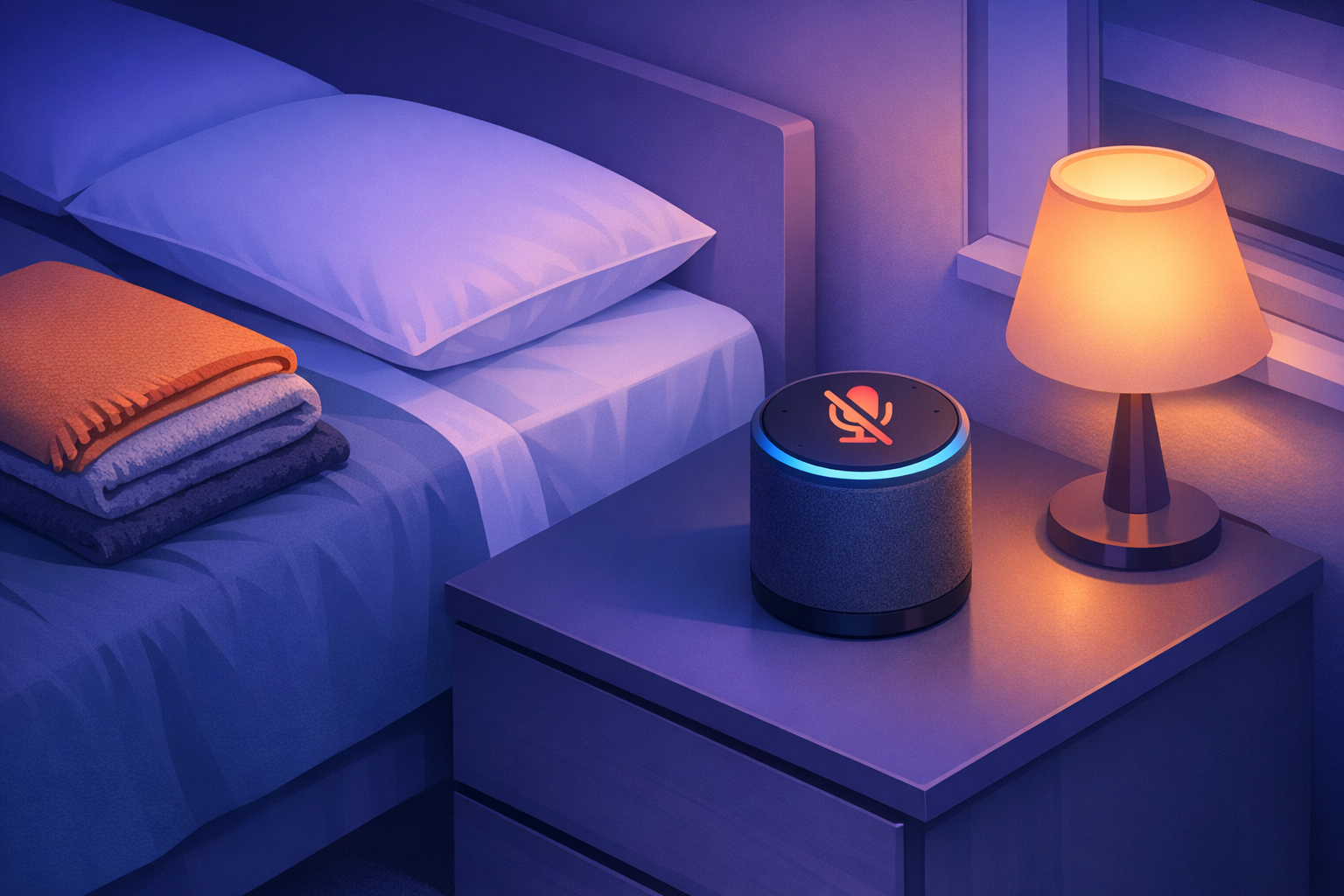
Also check whether features like the microphone or camera can be turned off when not in use. Some toys have a physical switch, which is the easiest option of all.
Questions to Ask in the Store or Online
When you’re comparing options, a short checklist helps:
- Does it really need to connect to the internet to be fun?
- Is there a clear privacy policy written in plain language?
- Can you control or delete the information it collects?
- Are there parental settings for chat, content and screen time?
- Does the company have a good track record and recent updates?
If a toy does well on most of these, it’s probably a fine choice. If it struggles on several, there’s likely a less complicated option that your child will enjoy just as much.
Unboxing Day Setup
On the big day, try to set up the toy before it’s handed over, or right after, with your child watching. Create the account, adjust the settings and do a quick test. Kids will be excited to play right away, so having it ready means fewer arguments and fewer skipped steps.
Plan a second look after a week or two. You’ll have a better sense of how your child uses the toy, and you can tighten or loosen settings from there.
Fun First, With Your Eyes Open
The best smart toys open up new ways to play and learn. A child who programs a little robot to dance or makes a talking pet tell a bedtime story is having a wonderful time.
A few questions before you buy keep that fun from coming with surprises. Kids don’t need to think about data and privacy settings. That’s the parent’s job, and it only takes a few minutes. After that, the toy can just be a toy.