
Holiday Guests and Your Smart Home: Simple Privacy Settings to Check
When relatives come to stay for the holidays, you probably think about clean sheets, extra towels and whether there’s enough coffee. You might not think about the video doorbell that records everyone coming and going, the smart speaker in the guest room that listens for its wake word, or the indoor camera you set up to keep an eye on the dog.
None of that is sinister. It’s just how a lot of homes work now. But guests can’t see your settings, and they may not even notice the devices. A few minutes of checking before people arrive keeps your visitors comfortable and your own family’s information where it belongs.
Take a Walk Through the House
Start by listing every connected device in the spaces guests will use. Walk room to room and look for cameras, smart speakers, smart displays with built-in cameras, baby monitors, and anything else that records audio or video.
Pay particular attention to the guest room, bathrooms and any space where someone might change clothes or sleep. Those are the places where a guest would reasonably expect privacy. Don’t forget devices that are easy to overlook, like an old tablet propped on a shelf as a photo frame or a pet camera tucked behind a plant. A camera that makes sense for watching a puppy during the workday doesn’t belong pointed at an air mattress full of in-laws.
Indoor Cameras: Off, Unplugged or Moved
For indoor cameras, the simplest step is the most respectful one. Turn them off, unplug them or move them out of guest areas for the length of the visit. Many camera apps have a privacy mode or a schedule that stops recording, which is handy if you’d rather not unplug anything.
If there’s a camera you want to keep running, such as one covering a front entryway, tell your guests where it is. Most visitors don’t mind a camera they know about. What bothers people is finding out later.
Smart Speakers and Displays
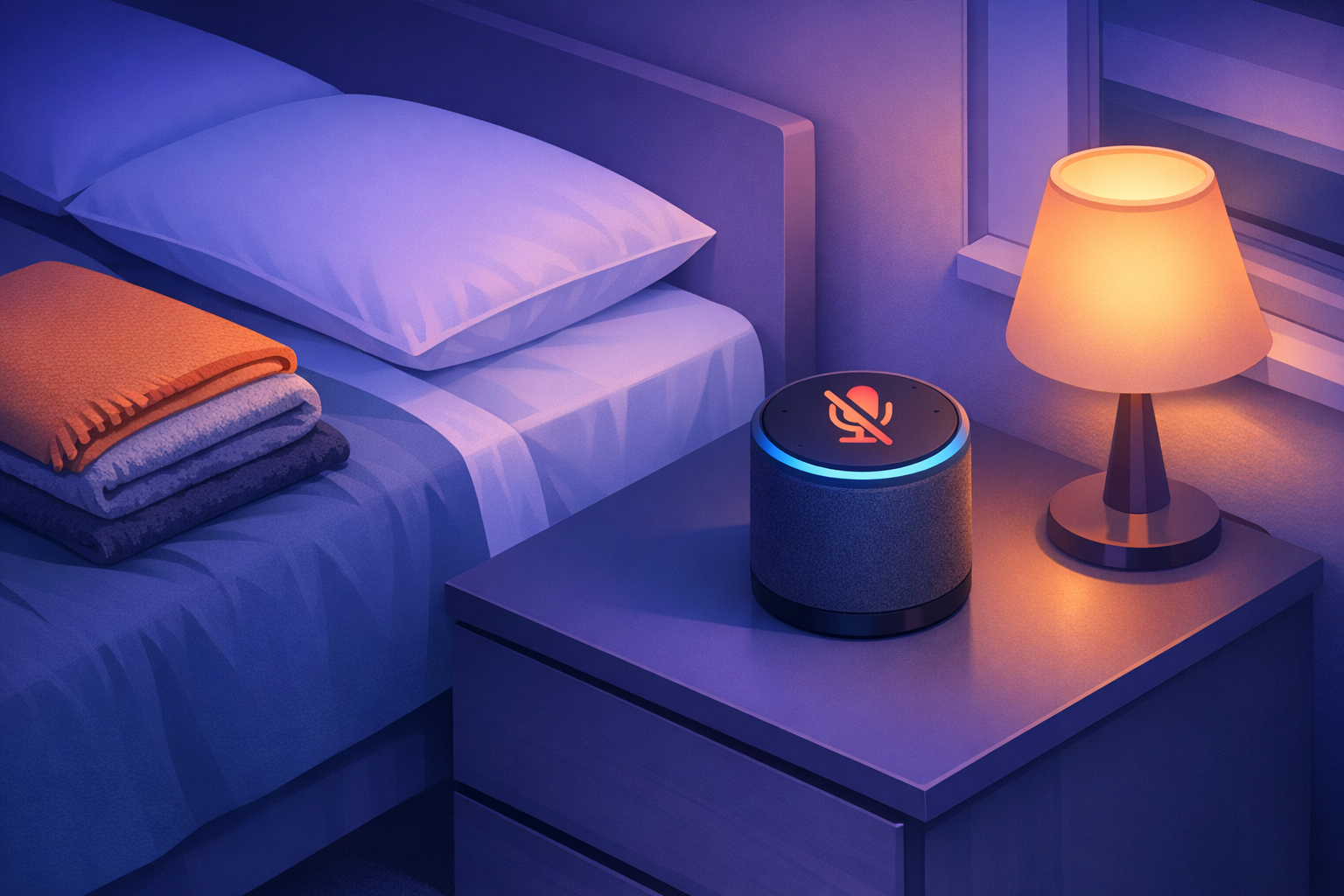
Smart speakers listen for a wake word, and most let you review and delete voice recordings in their app. In the guest room, the kindest move is to unplug the speaker or use its microphone-off button. If your guests like using it for an alarm or music, show them where the mute switch is so they can decide.
Smart displays with cameras usually include a physical shutter or a camera-off setting. Close it in guest spaces.
Also check what the speaker can do. If it’s linked to your shopping account, someone could accidentally place an order by voice. If it reads out calendar events or messages, a guest asking about the weather might hear your next medical appointment. Most assistant apps let you require a PIN for purchases and turn off personal results for voices they don’t recognize. Our guide to setting up voice assistants for younger kids walks through many of the same settings.
Doorbells and Outdoor Cameras
Video doorbells and outdoor cameras will capture every arrival and departure over the holidays. That’s usually fine, and some families enjoy the clips of everyone showing up with pies.
Be thoughtful about sharing. Posting a funny doorbell video of your brother-in-law tripping on the step might be a hit, but ask first. And if your camera app shares clips with a neighborhood network, double-check those settings so footage of your guests isn’t going farther than you intended.
Give Guests Their Own Wi-Fi
Your guests will want internet access, and handing out your main Wi-Fi password puts their devices on the same network as your computers, cameras and smart locks. A guest network keeps them separate.
Most home routers can create a guest network in their settings or app. Give it a simple name and its own password, then share that one. SafetySurf has a step-by-step guide to setting up a guest Wi-Fi network before holiday visitors arrive. When the visit is over, you can change the guest password so next year’s crowd gets a fresh one.
Smart Locks, Codes and Shared Access
If you have a smart lock or a garage door you control from your phone, consider giving long-stay guests a temporary code instead of your family’s main one. Many smart locks let you create codes that expire on a set date.
The same goes for app access. If a relative needs to control the thermostat or let the dog out while you’re at work, look for a guest or temporary access option in the device’s app rather than sharing your own login. When they leave, the access ends with it. A shared family password manager can help you keep track of which codes and logins you’ve handed out.
Tell Guests What’s Running
The single most useful privacy step is a short, friendly heads-up. When guests arrive, mention the doorbell camera, point out the speaker in their room and how to mute it, and hand over the guest Wi-Fi details.
It takes less than a minute and makes everyone more comfortable. Older relatives who aren’t used to smart homes may be surprised that a device can respond to their voice, and a quick explanation avoids confusion. Kids visiting from other families will often head straight for the smart speaker, so it’s worth knowing what it can and can’t do.
After Everyone Goes Home
Once the house empties out, put things back the way you like them. Turn indoor cameras back on, plug the speaker back in, and delete any recordings from the visit you don’t want to keep. Remove temporary lock codes and guest app access, and change the guest Wi-Fi password if you shared it widely.
Smart home devices make daily life easier, and the holidays are a good reminder that they work best when everyone in the house knows they’re there. A home that respects its guests’ privacy is a more welcoming place to stay.


