How to Spot Phishing Emails: A Family Guide
Every day, thousands of phishing emails land in inboxes around the world, and they’re getting smarter. These fraudulent messages impersonate trusted companies, banks, or services to trick you into revealing passwords, credit card numbers, or personal information. The good news? You and your family can learn to spot them. Here’s how.
What Makes a Phishing Email Dangerous
Phishing exploits trust. A well-crafted email might look nearly identical to a legitimate message from your bank, PayPal, or Amazon. The sender address appears real, the logo is perfect, and the urgency feels justified. But behind the polished exterior lies a criminal scheme designed to steal your identity or money.
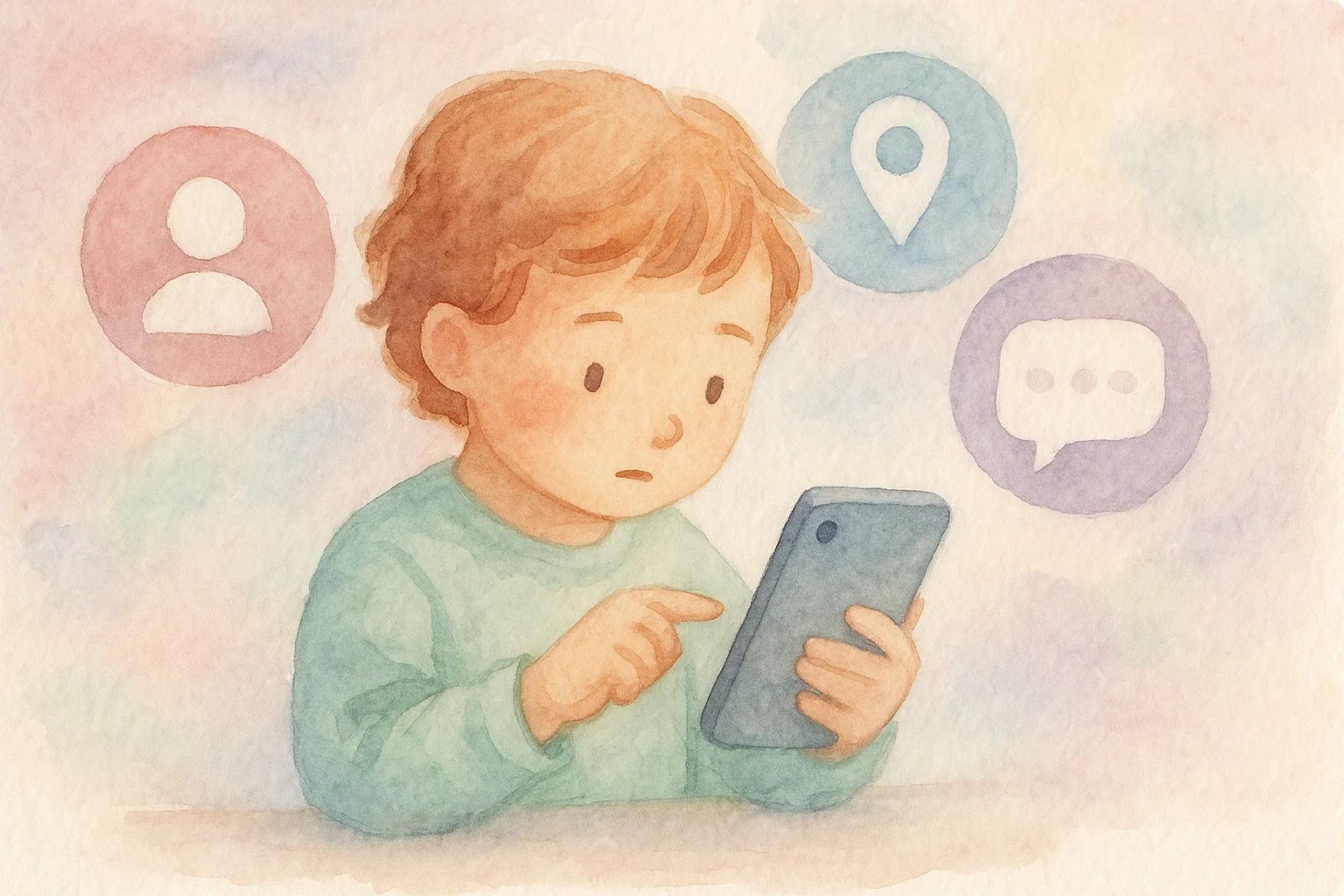
The problem is widespread enough that knowing how to protect your family’s online privacy has become essential. Even children now receive emails targeting their gaming accounts or social media passwords. Teenagers, in particular, might assume an email from a platform they use regularly must be safe. That’s exactly what scammers count on.
Red Flags to Watch For
Generic greetings: Legitimate companies address you by name. If an email starts with “Dear Customer” or “Hello User,” that’s a warning sign. Banks and retailers keep your name on file and use it. Personal touches matter in legitimate communications.
Suspicious sender address: Hover over the sender’s name to reveal the actual email address. Scammers use addresses that look similar to real ones—like “[email protected]” instead of a genuine Amazon domain. Look carefully at every character. Sometimes the difference is as subtle as a zero instead of the letter O.
Urgent calls to action: “Your account has been compromised! Click here immediately” or “Verify your payment method within 24 hours or lose access” are classic phishing tactics. Real companies don’t pressure you via email. If something feels rushed, it probably is. Legitimate businesses understand that important matters deserve careful consideration.
Suspicious links: Before clicking, hover your mouse over any link to see where it actually leads. The displayed text might say “amazon.com,” but the actual URL could point to “amaz0n-verify.ru.” Never click if the address doesn’t match what you’d expect. This principle also applies when you’re learning to recognize suspicious online activity across all your accounts.
Requests for sensitive information: No legitimate company asks for passwords, Social Security numbers, or credit card details via email. Period. This is one of the most reliable indicators of a phishing attempt. Real businesses have secure ways to verify identity that never involve asking for complete passwords.
Poor grammar or spelling: Many phishing emails originate overseas. While some are carefully proofread, many contain obvious errors. Awkward phrasing, odd punctuation, or misspelled words suggest something’s amiss. A trusted company typically maintains professional standards in all written communications.
Unexpected attachments: Don’t download files from unknown senders. Attachments can contain malware that infects your computer. If you weren’t expecting a file, ask the sender directly (using a phone number or email you know is real) before opening anything. Even if the sender appears legitimate, verify through an independent channel.
Teaching Your Family to Be Skeptical
Make email safety a family conversation. Show your kids and teens what phishing looks like. Walk through examples together. Explain that criminals are trying to trick them, just like someone might try to scam them in person. The more exposure they have to fraudulent emails in a controlled setting, the better they’ll recognize them in real life.
Establish a rule: before clicking links or downloading anything, ask a trusted adult. Better yet, encourage family members to contact companies directly using official phone numbers or websites if they’re unsure about an email. This extra verification step might seem inconvenient, but it’s far easier than recovering from identity theft.
This extra layer of awareness protects against more than just email fraud. Many cyberattacks begin with phishing, including computer viruses and malware threats that infiltrate your devices through seemingly innocent messages. A single click can compromise your entire family’s data.
Practical Steps You Can Take Today
Enable two-factor authentication: Even if a phishing victim gives up their password, an attacker can’t access the account without a second form of verification (usually a code sent to your phone). This simple step dramatically reduces the damage a phishing attempt can cause.
Keep software updated: Security patches close vulnerabilities that phishing attempts might exploit. Update your operating system, browser, and apps regularly. Many attacks specifically target outdated software with known weaknesses.
Use email filters: Modern email providers detect and filter many phishing attempts automatically. Check your spam folder occasionally to ensure nothing legitimate ended up there, but trust these systems to catch most threats. They learn and improve over time.
Report it: When you spot a phishing email, report it to your email provider and the company being impersonated. Most have simple processes for flagging fraudulent messages. Your report helps them refine their defenses and protects others.
When You’ve Already Fallen for It
If you realize you’ve clicked a phishing link or entered sensitive information, act quickly. Change your passwords immediately, starting with the most important accounts. Contact your bank or payment providers to monitor for fraud. Consider placing a fraud alert on your credit file. Most importantly, don’t panic—thousands of people fall for these scams annually, and quick action limits the damage.
Remember that falling victim doesn’t make you careless or stupid. Phishing scams are sophisticated, and victims come from all walks of life and education levels. What matters is what you do next.
Staying Safe Going Forward
Phishing isn’t going away anytime soon. But armed with awareness and a healthy dose of skepticism, you and your family can navigate email safely. Remember: when in doubt, reach out directly to the company in question before responding to any urgent request. Your caution protects not just your own account, but helps build a safer online community for everyone.