The Family AI Assistant: What It Should and Shouldn’t Do
Somewhere in the last few years, a lot of households picked up a new member. It doesn’t eat dinner with the family, but it knows what’s for dinner. It knows when soccer practice starts, whose turn it is to take out the recycling, and that Grandma’s birthday is coming up in nine days. The AI assistant sitting on the kitchen counter or living in a family app has become the household’s memory, and it happened faster than most people noticed.
That’s useful. It’s also worth pausing on. A tool that manages your calendar, your grocery list, and your kid’s reminders is doing something more intimate than most tech in the house. It’s shaping how the family runs. So it’s fair to ask what this thing should actually be trusted to do, and where a family should draw a line.
The Job It’s Actually Good At
An AI assistant is at its best when it’s handling the stuff that’s tedious but not important. Think of it as household plumbing. Nobody wants to think about it, but everyone notices when it backs up.
Scheduling and reminders. This is the core job, and it’s the one worth leaning on. Kids have practice, appointments, project due dates. Parents have work calls that overlap with pickup time. An assistant that can hold all of that and nudge people at the right moment is solving a real problem: human memory under load.
Shared lists. Groceries, chores, packing lists for a trip. These are exactly the kind of low-stakes, high-friction tasks that used to live on a whiteboard nobody updated. An app that syncs across everyone’s phone actually gets used.
Routine tracking. Bedtime routines, medication schedules, watering the plants. Repetition is where humans slip. It’s where a reminder system shines.
None of this requires the assistant to be clever. It just needs to be reliable. The best compliment you can pay this kind of tool is that it’s boring in the right way.
Where It Starts Overstepping
Trouble shows up when the assistant moves from tracking the family’s life to making decisions about it. That’s a different job, and most of these tools aren’t built for it, even when they’re capable of doing it.
Deciding priorities instead of surfacing them. There’s a difference between “you have three things scheduled for 4pm” and an assistant rearranging what gets bumped on its own. The first is helpful. The second takes a judgment call away from the people who should be making it, usually without anyone noticing it happened.
Talking to your kids like a parent would. A reminder that says “time for homework” is fine. An assistant that starts negotiating, praising, or scolding is stepping into territory that belongs to an actual adult in the room. If you’re using AI tools to help with schoolwork specifically, Setting Up AI Homework Helpers Without Losing the Teaching Moment covers keeping the learning part intact even when a tool is doing some of the heavy lifting.
Making financial decisions on autopilot. Auto-adding items to a grocery cart based on “learned preferences” or auto-approving a subscription renewal because it noticed a pattern. Convenient, until it isn’t. Money decisions, even small ones, deserve a human glance.
Becoming the default answer to everything. If every question in the house gets routed to the assistant instead of to a parent, a sibling, or a book, something’s off. Kids especially benefit from learning that not every question has an instant answer pulled from a speaker on the counter.
What the Assistant Knows About Your Family
An assistant that knows your family’s schedule, location patterns, and voice also has a company behind it collecting that information. That’s not a reason to panic. It is a reason to actually look at settings instead of assuming the defaults are fine.
A few habits worth building:
- Review what’s being recorded. Many assistants store voice clips or transcripts by default. Check what’s kept and for how long, and turn off storage you don’t need.
- Separate the kids’ profiles from the adults’. Most platforms let you set different permissions for different family members. Use it.
- Be deliberate about what gets connected. Does the assistant really need access to your location history to remind you about a dentist appointment? Usually not.
None of this requires becoming a privacy expert. It requires about twenty minutes and the willingness to say no to a permission just because it’s offered.
Letting Kids Use It Without Losing the Plot
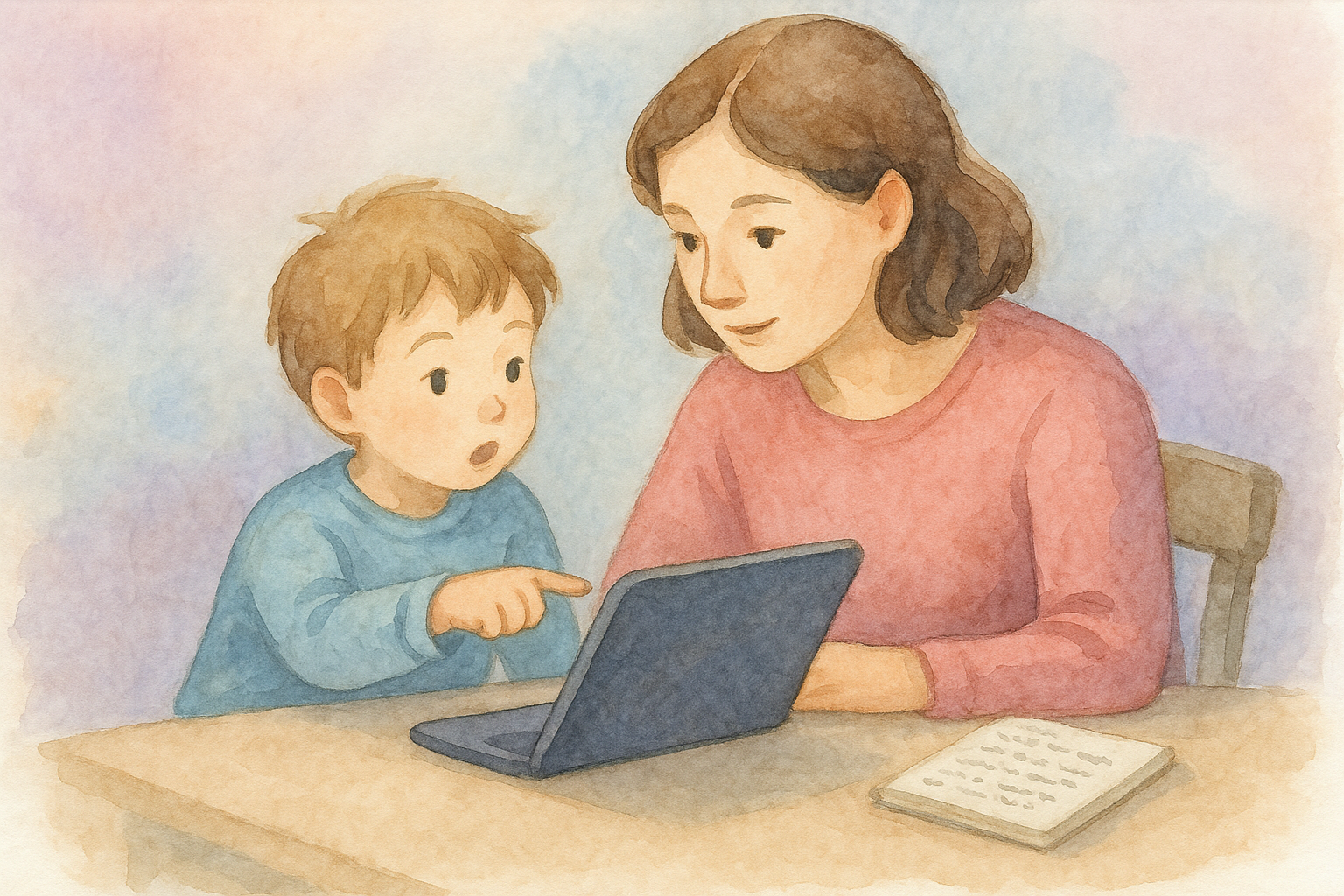
Kids are often the most enthusiastic users of a household AI assistant, and that enthusiasm is worth channeling rather than shutting down. The goal isn’t to keep kids away from the technology. It’s to make sure the technology doesn’t become the thing that raises them.
Age matters here more than most parents expect going in. A six-year-old asking an assistant to set a timer is a different situation than a fourteen-year-old asking it to help draft an email or plan a project. Thinking through what’s appropriate at each stage, rather than treating “AI assistant” as one fixed thing with one set of rules for every kid in the house, matters more than which specific device sits on the counter.
A reasonable middle ground: let kids use the assistant for logistics (reminders, timers, simple lists) and keep the more open-ended, conversational uses supervised or age-gated. The assistant doesn’t need to be a friend, a tutor, or a babysitter. It needs to be a clipboard that talks.
Building in Off Switches
Part of setting boundaries for the assistant is making sure the rest of family life still happens without it. That means actual time where nobody’s asking it anything.
Travel is a good forcing function for this. A family that’s used to asking the kitchen speaker for everything often finds a trip is the first time in months they’ve gone a full day without it. That’s not a loss. Some of the best family moments happen specifically when there’s no assistant, no screen, and no reminder pinging in the background.
It’s also worth remembering that none of this is new in kind, even if it’s new in degree. Families have always outsourced memory to something: a paper calendar on the fridge, a shared notebook, a bulletin board by the door. The assistant on the counter is just the latest version of a very old idea: build a tool that remembers so people don’t have to remember everything themselves.
A Reasonable Standard
The simplest test for any feature an AI assistant offers: does this free up attention for something that matters, or does it take a decision away from the people who should be making it, without them noticing it happened?
Reminders, lists, schedules, these pass the test easily. Judgment calls, relationships, and money deserve a human in the loop, even when the AI is capable of guessing well.
Households don’t need to get this perfectly right on day one. The assistant that only handles logistics today is going to be offered a lot more scope tomorrow, and the families who’ve already decided what they want it to touch will have an easier time than the ones scrambling to claw back ground later. That decision is worth making on purpose, before the tool makes it for you.