Using AI to Design Place Cards and a Simple Thanksgiving Table Menu
The table is set, the candles are out and the good plates are finally down from the top shelf. Then someone asks where they should sit, and suddenly twelve people are hovering around the chairs while the gravy goes cold. A stack of place cards would have solved it. So would a little printed menu that tells Aunt Ruth which dish has nuts in it.
Neither of these takes artistic talent anymore. An AI chat assistant or image tool can help you come up with a design, write short descriptions and draft a layout in an evening. The result looks thoughtful, costs very little and gives the table a personal touch your guests will notice.
Why Small Paper Touches Matter
Place cards and a menu card can seem fussy. In practice they do useful work.
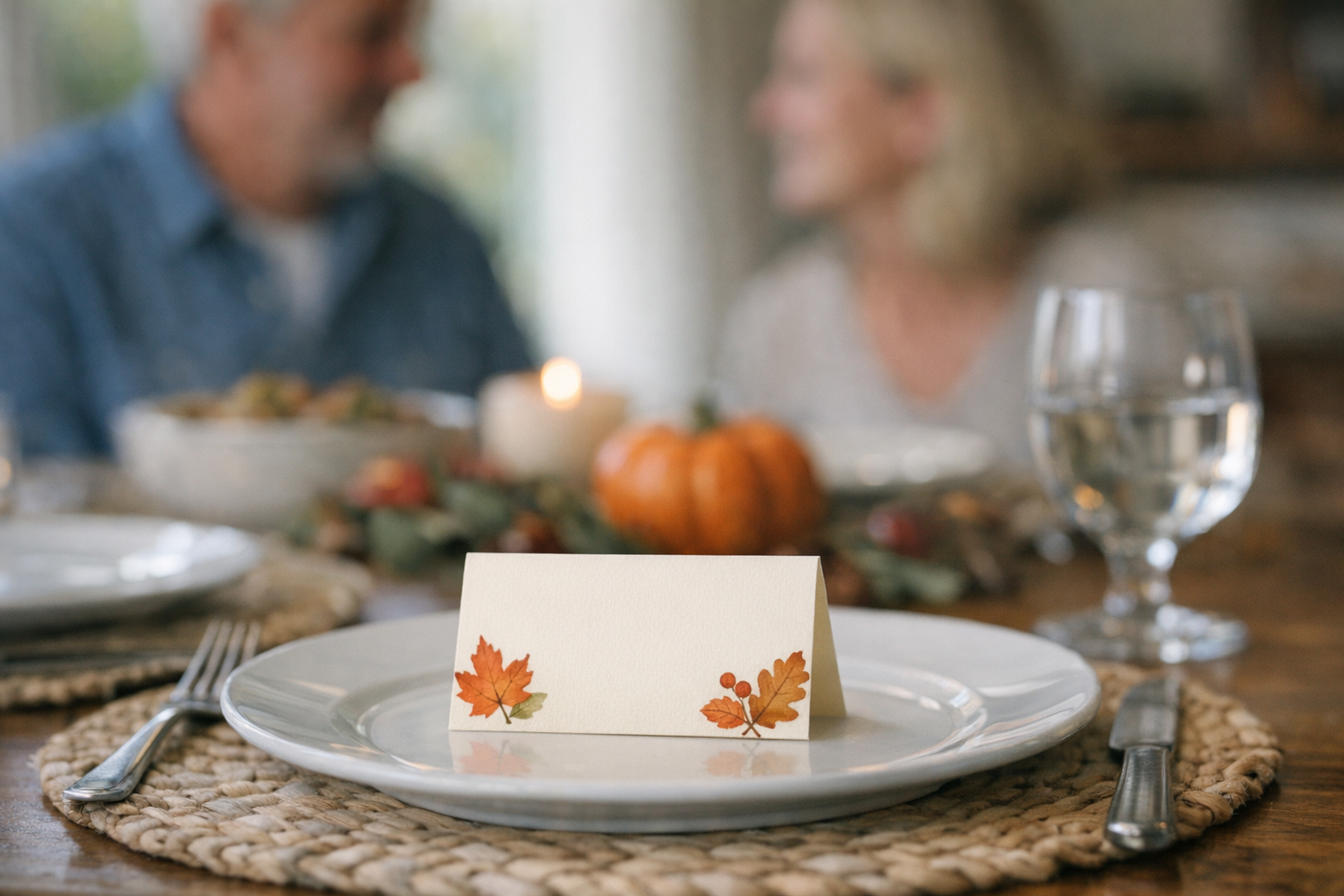
Place cards end the awkward shuffle at the start of the meal. They also let you seat people thoughtfully, putting the chatty uncle next to the quiet teenager who shares his love of baseball, or keeping two relatives with a long-running disagreement at opposite ends.
A simple menu card helps guests pace themselves and spot allergens. It also gives the meal a sense of occasion. Seeing “Grandma’s Sweet Potato Casserole” written out makes a family recipe feel celebrated.
Start With a Simple Design Brief
Before you open an AI tool, decide on a look. A few words are enough to steer the results.
Pick a theme. Rustic farmhouse, autumn leaves, a vintage harvest feel or a clean modern style are all good starting points. If your tablecloth and dishes already have a look, match it.
Choose two or three colors. Deep orange, cream and sage green feel seasonal. Navy and gold feel more formal. Fewer colors usually look more polished.
Decide on size. Place cards are often folded tent cards that sit in front of each plate. A menu card can be a single sheet in the center of the table or a small card at each seat.
Using AI for the Artwork
AI image tools can generate decorative elements like borders, leaf patterns and small illustrations. You describe what you want in plain language, and the tool produces options.
Ask for decoration, not text. Image generators can garble letters. Get the artwork from the AI and add guests’ names and dish names yourself in a word processor or design app, where the spelling will be right.
Be specific in your prompt. “A watercolor border of autumn leaves in orange and gold on a cream background, with plenty of empty space in the middle” gives better results than “fall design.”
Try a few versions. Generate several options and pick the one that fits your table. If none feel right, change one detail in the prompt, like the colors or the style, and try again.
Keep it simple. Busy artwork competes with the names. A small corner illustration or a light border leaves room for what matters.
If you’ve enjoyed using AI for family projects like writing a holiday play for the kids, designing table decor uses many of the same creative muscles.
Writing the Menu With a Little Help
A chat assistant can help you turn a list of dishes into a menu that reads nicely. Give it the dishes and ask for short, warm descriptions.
Feed it the real details. “Turkey brined overnight with herbs” or “cornbread stuffing, Grandpa’s recipe” gives the AI something specific to work with. Vague input produces vague output.
Ask for a few tones. You might want a playful menu for a casual family meal or a more elegant one for a formal dinner. Ask for two versions and pick the one that feels like your household.
Flag dietary notes. If you’ve planned dishes for guests with allergies or dietary preferences, note them clearly. If you used AI to plan a Thanksgiving menu for a mixed crowd, you probably already have that information handy.
Edit it yourself. Read every line before printing. AI can add fancy flourishes that don’t match the food, like describing boxed stuffing as “artisanal.” Trim anything that sounds overblown or inaccurate.
Putting It Together and Printing
Once you have artwork and text, combine them in a document. Word processors, free online design tools and slide software all work for this.
Set up a template. Create one place card with the artwork and a placeholder name. Copy it for each guest and change the names. Doing the menu works the same way.
Choose a readable font. Script fonts look lovely on a menu title but can be hard to read at small sizes. A clean, simple font for names and dish descriptions keeps things legible for older guests.
Print on heavier paper. Card stock holds its shape better than regular printer paper, especially for folded place cards. A test print on regular paper first helps you catch layout issues.
Leave time for mistakes. Plan to print a few days before the holiday. That gives you time to fix a typo or reprint if the colors come out wrong.
Getting the Kids Involved
This is a fun project for kids who are old enough to use the tools with you. They can help brainstorm prompts, pick favorite designs and choose fun descriptions for the menu.
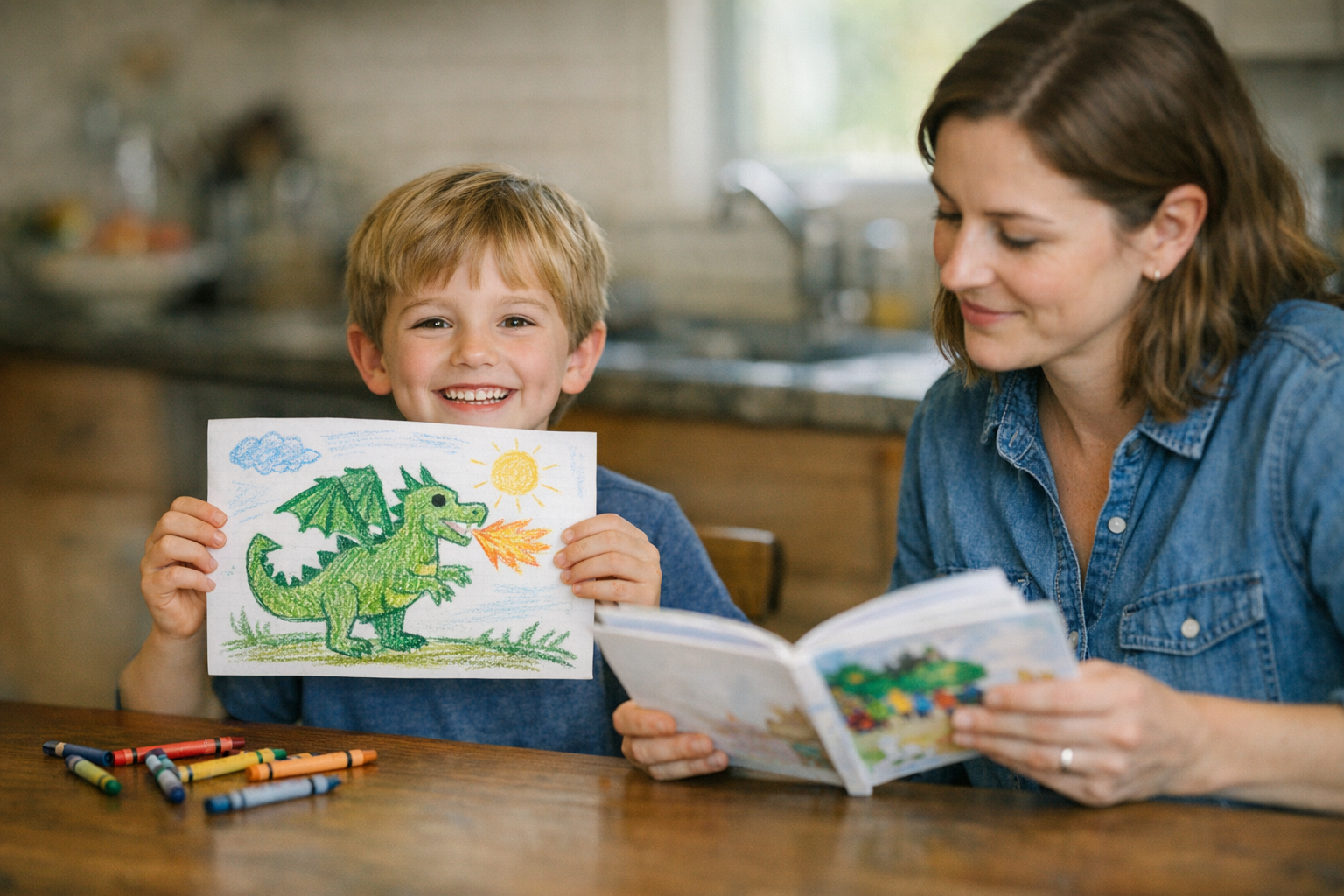
Younger kids can decorate printed place cards by hand with stickers or crayons. Mixing AI artwork with kid-drawn touches gives the table a homemade feel that grandparents tend to love.
Afterward, the same tools can help with follow-up projects. If you want to thank the hosts or guests later, using AI to write thank-you notes that still sound like you keeps the personal tone going.
A Table That Feels Thought About
Place cards and a menu are small details. Nobody will remember the exact font or the color of the border. What they’ll remember is walking up to a table and finding their name waiting for them, along with a menu that took the time to mention Grandpa’s stuffing by name.
AI makes the design part easier, but the care behind it is still yours. You chose who sits where, you described the dishes the way your family talks about them and you put a little extra thought into a meal that brings everyone together.